


Description
Download Call Voice Changer – Male to Female Voice Changer, Voice Prank Tool, Call Girl Voice Changer
Overview
Call Voice Changer – Call Girl Voice Changer is a mobile application designed to modify vocal pitch during real-time voice calls. The software enables users to alter their voice to sound more feminine by adjusting pitch levels, making it suitable for entertainment, creative expression, or playful pranks. It is primarily intended for casual users seeking a simple way to experiment with voice modulation during phone or VoIP conversations. The app supports integration with various communication platforms, allowing real-time voice transformation without requiring complex setup. While the developer did not provide additional details about the company background, the application is positioned as a lightweight utility for personal use. Real-world scenarios include role-playing, creating character voices for content creation, or adding humor to social calls. It is important to note that the software is not designed for professional voice-over production or serious communication tasks. The app’s focus remains on fun and experimentation, with no advanced voice manipulation features beyond pitch adjustment. Users should exercise caution and use the software responsibly, as voice alteration tools can be misused in inappropriate contexts.
Key Features & Capabilities
- Pitch Adjustment Slider – A dedicated control allows users to raise or lower their vocal pitch in real time, enabling transformation from male to female-sounding voices with minimal effort.
- Real-Time Voice Monitoring – Users can preview the altered voice before initiating a call, ensuring the desired pitch level is achieved without affecting the call quality.
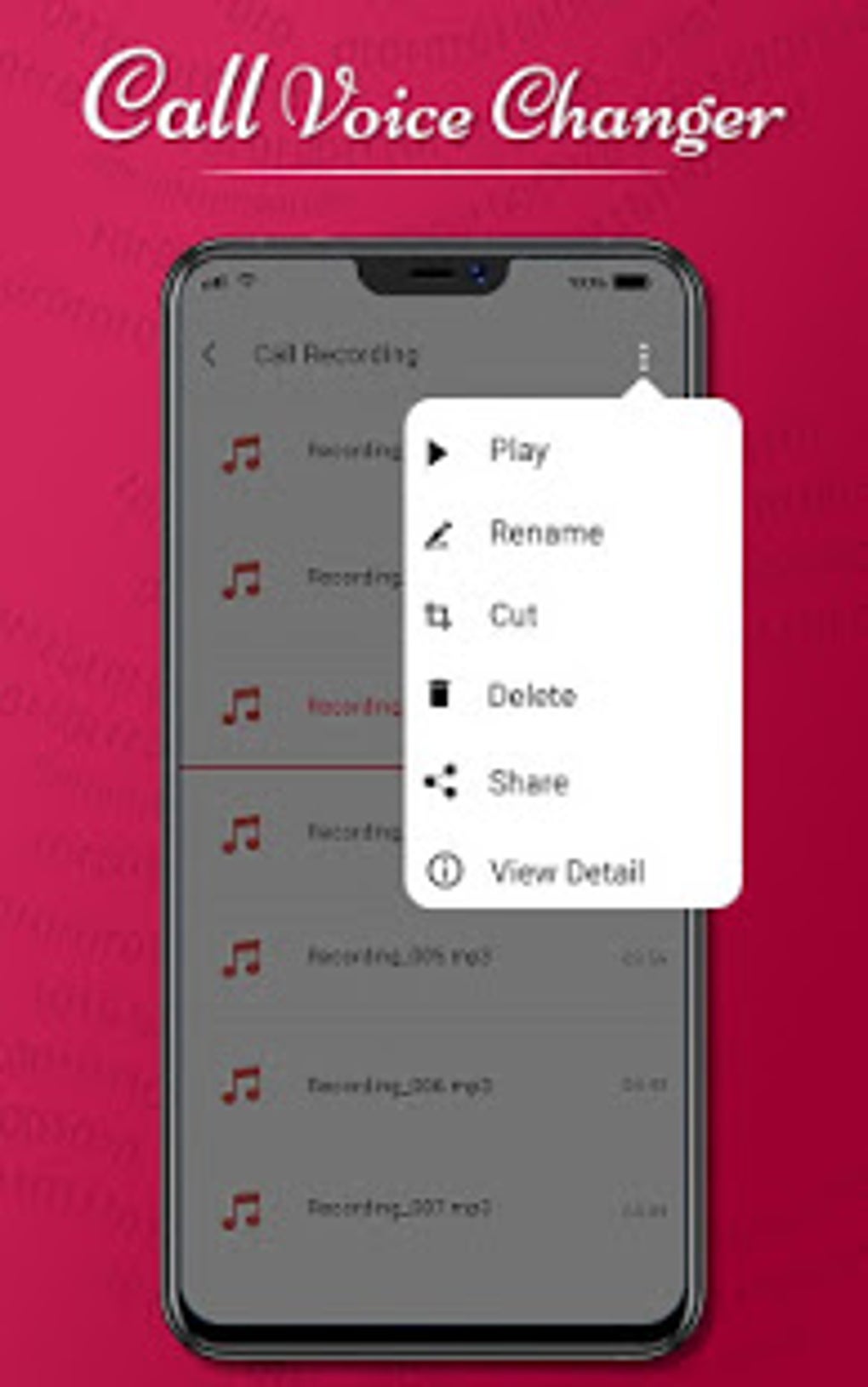
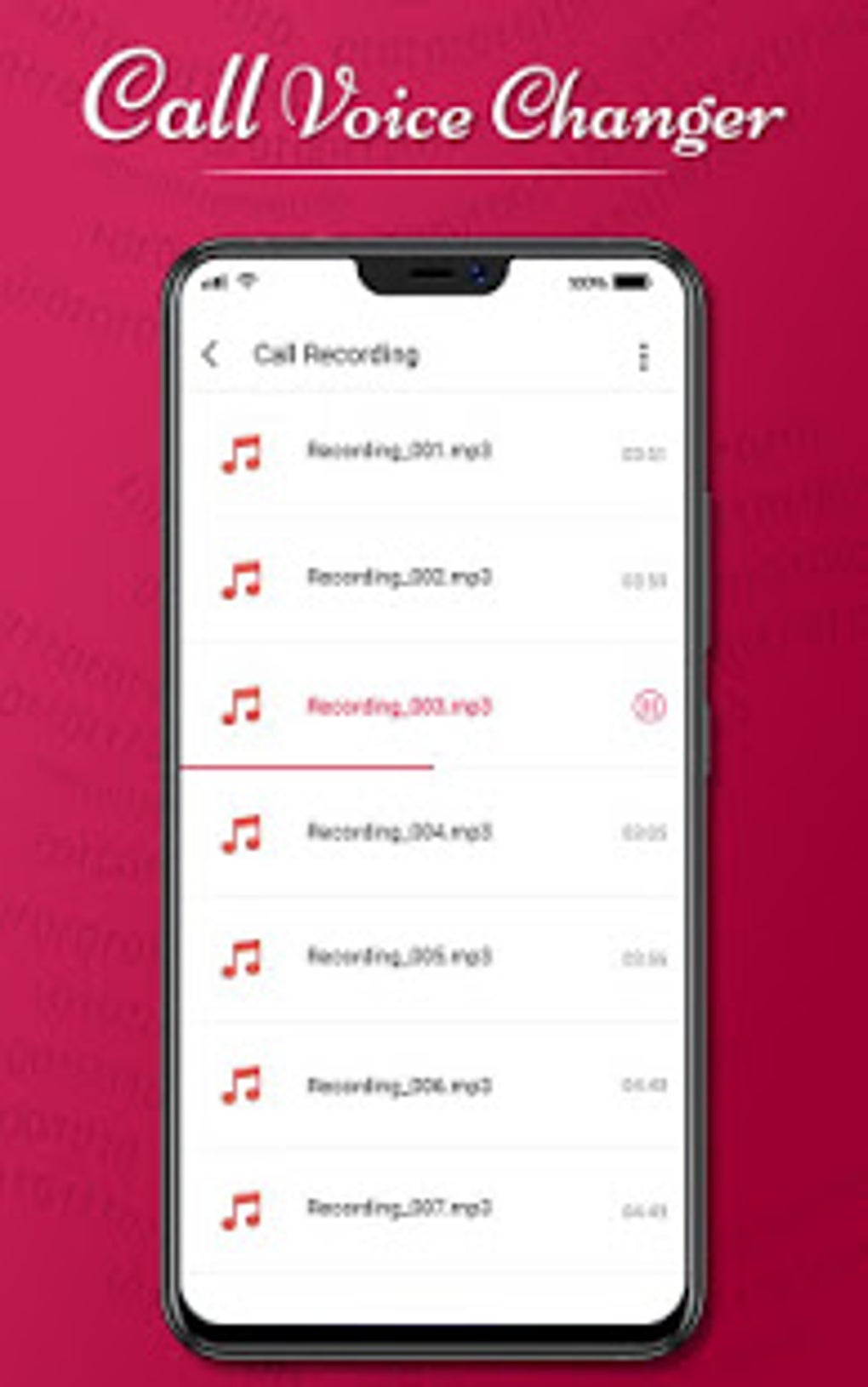
- WAV File Export – The app supports saving modified voice recordings in WAV format, allowing users to preserve voice transformations for later use or sharing.
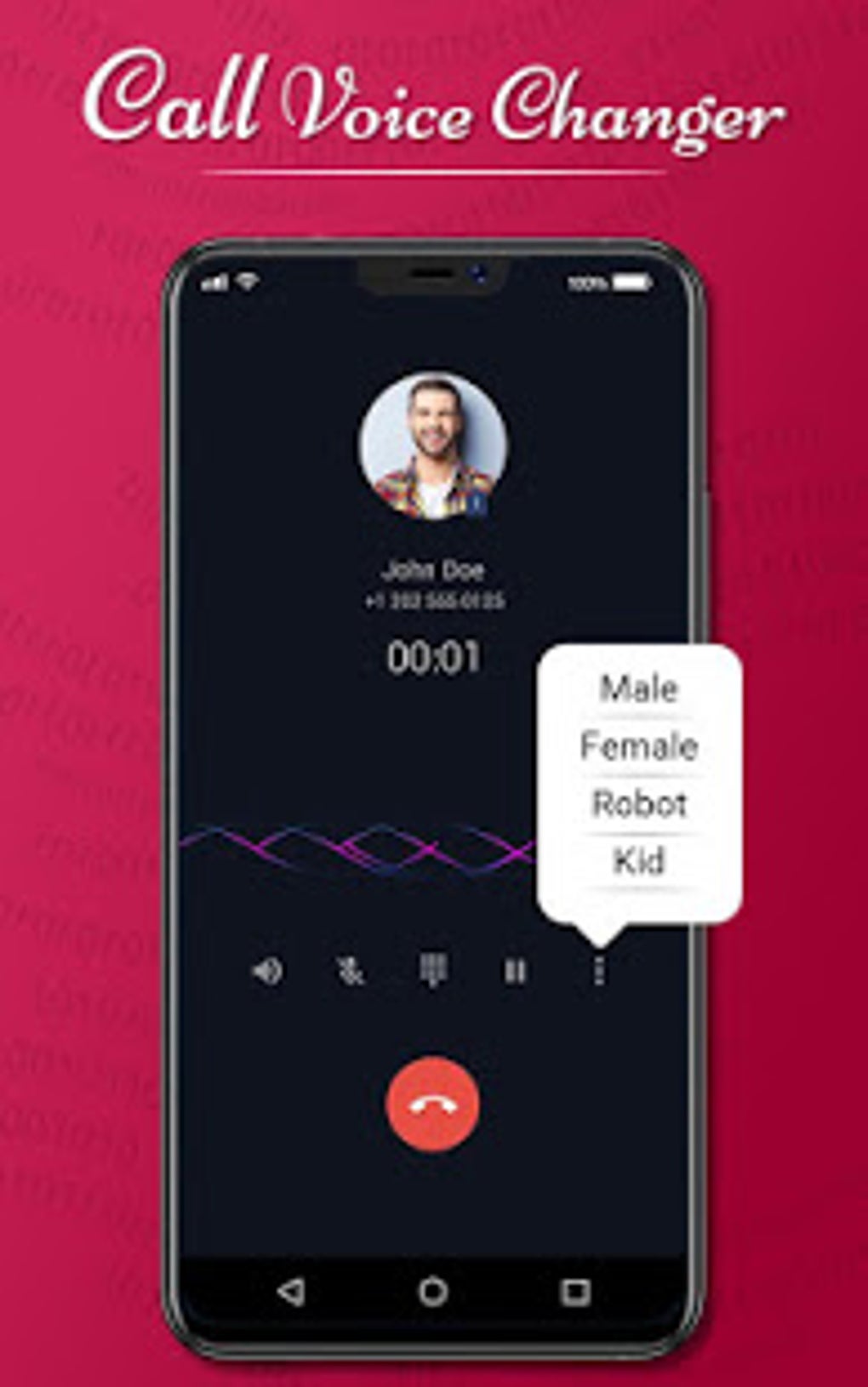
- VoIP and Call Integration – Compatible with multiple voice communication platforms, enabling voice modification during calls through VoIP services and standard phone calls.
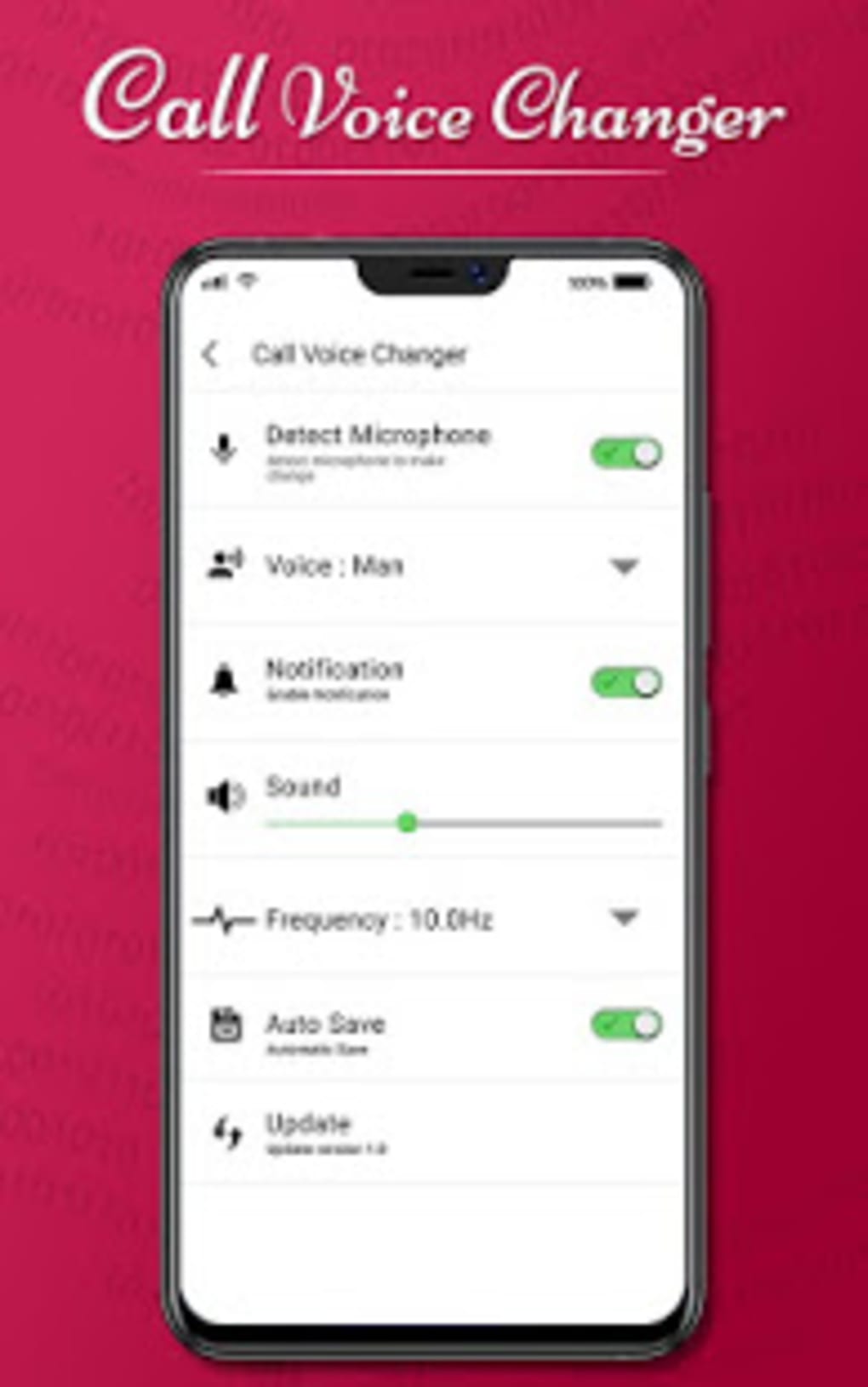
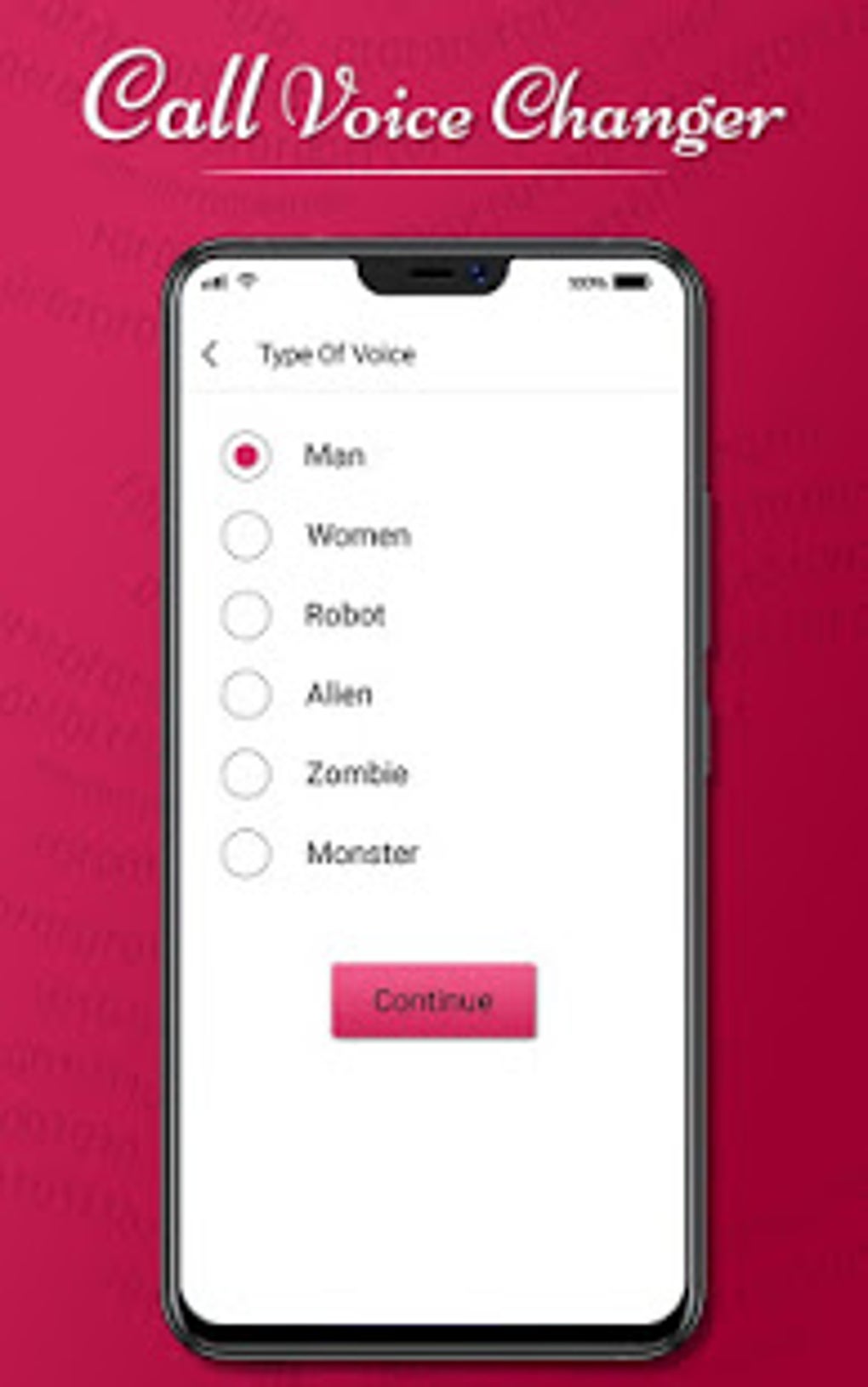
- Simple User Interface – The interface is designed for ease of use, featuring a single control for pitch adjustment and minimal navigation steps.
These features are particularly useful for content creators exploring character voices, individuals looking to add humor to social interactions, or users experimenting with vocal identity. The ability to monitor the voice output before a call ensures better control over the final sound. The WAV export function allows for creative reuse of transformed audio, though the software does not support additional audio effects or voice shaping. The app’s functionality is limited to pitch modulation, which, while basic, can significantly alter vocal perception. This makes it effective for entertainment purposes but not suitable for high-fidelity voice production or professional applications.
User Interface, Workflow & Performance
The user interface of Call Voice Changer is straightforward and minimalistic, focusing on a single primary control: the pitch adjustment slider. Navigation is intuitive, with essential functions accessible within a few taps. The workflow begins with launching the app, adjusting the pitch slider to the desired level, previewing the altered voice, and then connecting to a call. This streamlined process supports quick setup and immediate use. The developer did not specify resource usage details, so exact performance metrics such as CPU or RAM consumption are unavailable. However, based on the app’s file size of 15.8 MB and its described functionality, it is likely optimized for efficient operation on modern Android devices. Stability during real-time voice processing is not confirmed, but the app’s simple design suggests a low likelihood of crashes under normal use. Performance observations are based on general software behavior patterns. Users should expect consistent operation during short to moderate call durations, though prolonged use may vary depending on device capabilities.
Compatibility & System Requirements
Call Voice Changer is designed for Android devices and requires the Android operating system to function. The software version is 1.0, with a file size of 15.8 MB, indicating a lightweight installation footprint. The developer did not provide additional system requirements, such as minimum RAM, processor specifications, or API level compatibility. As such, exact hardware and software prerequisites remain unspecified. Compatibility information was partially provided, leaving users to rely on general Android device functionality for installation and operation. The app is not available for Windows, Mac, or other platforms. Users should ensure their device meets standard Android requirements for app installation, though specific thresholds were not outlined. The software is distributed as a free download, making it accessible to a broad audience without cost barriers.
Pros and Cons
Pros
- Free to download and use with no in-app purchases
- Simple interface suitable for beginners and casual users
- Real-time pitch adjustment for immediate voice transformation
- Supports WAV file export for voice recording preservation
- Compatible with VoIP and standard phone calls
Cons
- Only pitch adjustment is available; no other voice modifications
- No advanced voice effects or filters
- Not suitable for professional or serious communication
- Exact system requirements were not listed
- App is limited to Android platform only
FAQ Section
Is Call Voice Changer available for iOS devices?
Currently, the software is only available for Android. There is no official version for iOS or other platforms.
Can I use Call Voice Changer for professional voice-over work?
No, the app is not designed for professional use. It lacks the precision and audio quality required for voice-over production or business communication.
Does the app require internet access to function?
The app can operate offline during calls, but internet access may be needed for initial download and updates.
Is the software safe to use on my Android device?
As a free app from a known developer, it is considered safe for personal use. However, users should only install from trusted sources to avoid potential risks.
Can I change my voice to sound like a specific person?
The app only modifies pitch and does not replicate specific voices or accents. It can create a feminine tone but cannot imitate individual personalities.
Final Thoughts + CTA
Call Voice Changer offers a straightforward and accessible way to modify vocal pitch during calls, making it ideal for entertainment, pranks, or creative experimentation. Its minimal interface and real-time preview feature enhance usability, while the ability to export voice recordings adds value for content creators. While the app lacks advanced features and is not suited for professional applications, it fulfills its intended purpose effectively within its scope. The free pricing model and lightweight design make it an attractive option for casual users. However, users should be mindful of ethical use and avoid misuse in deceptive or harmful contexts. For those seeking a fun, no-frills voice changer for personal enjoyment, Call Voice Changer delivers a simple yet effective solution. Download Call Voice Changer now and explore new ways to express yourself through voice.
Guides & Tutorials for Call Voice Changer
How to install Call Voice Changer
- Click the Preview / Download button above.
- Once redirected, accept the terms and click Install.
- Wait for the Call Voice Changer download to finish on your device.
How to use Call Voice Changer
This software is primarily used for its core features described above. Open the app after installation to explore its capabilities.
User Reviews for Call Voice Changer 0
No reviews found





